
How to Register a Team 팀 등록하는 방법
Follow these steps to create your account, register your team, upload the required documents and download your QR codes. 계정을 생성하고, 팀을 등록하며, 필요한 서류를 업로드하고, QR 코드를 다운로드하려면 다음 단계를 따라주세요. 모든 필드는 한글 입력이 가능합니다.
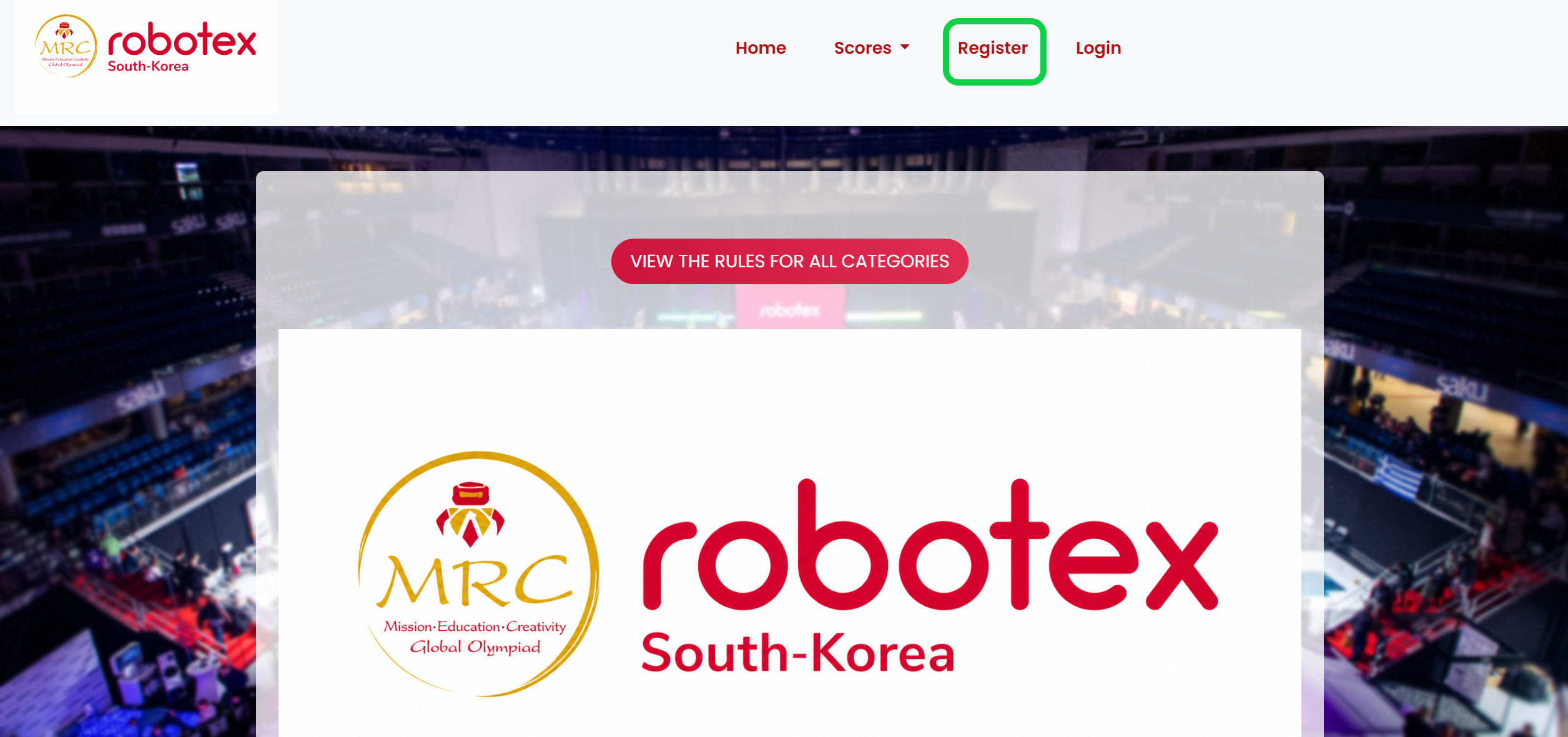
Register 회원가입
➜Click Register to start your account setup as the coach. 코치로서 계정 설정을 시작하려면 Register를 클릭하세요.
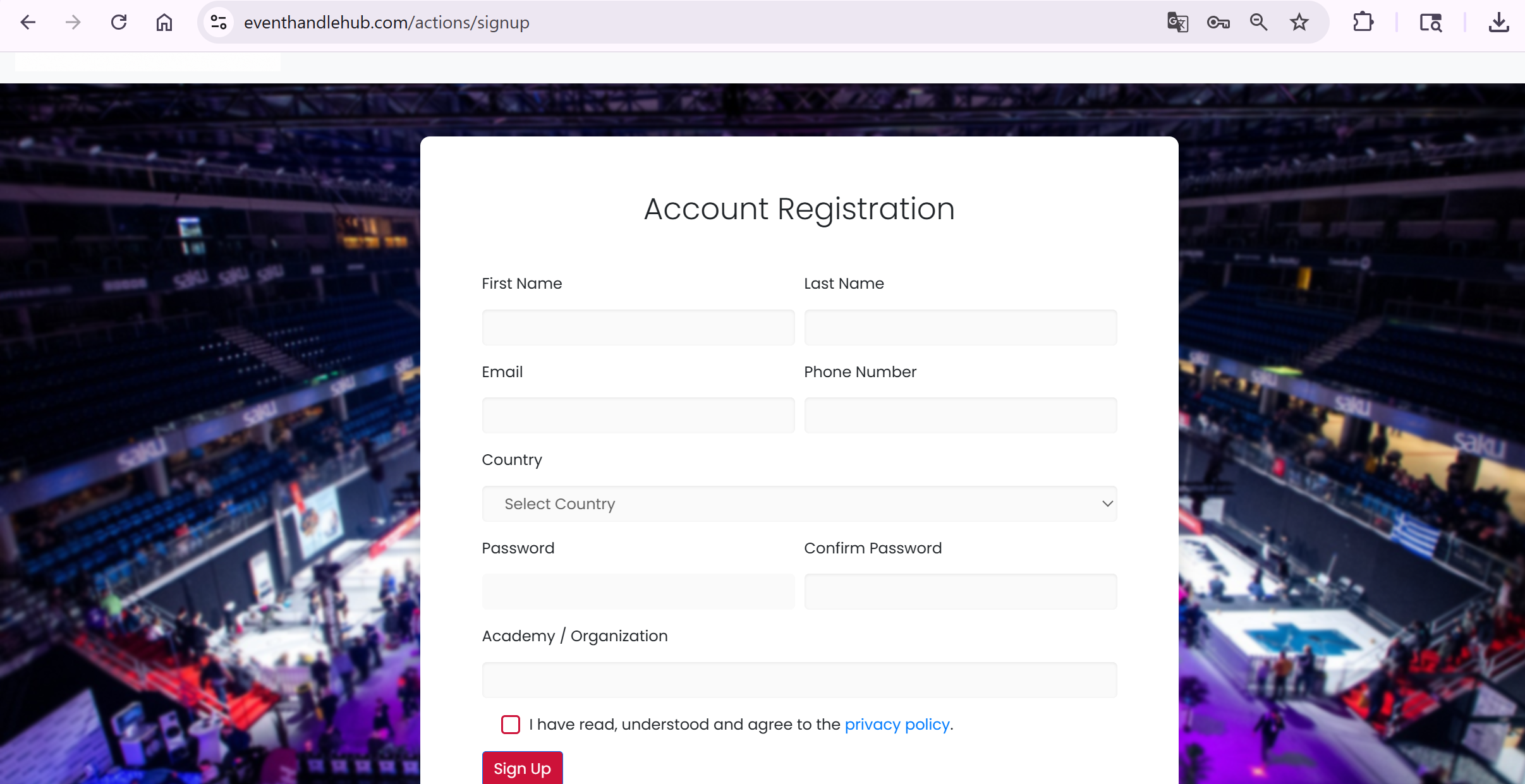
Create Account 계정 생성
➜Enter your details and create your account. 정보를 입력하고 계정을 생성하세요.
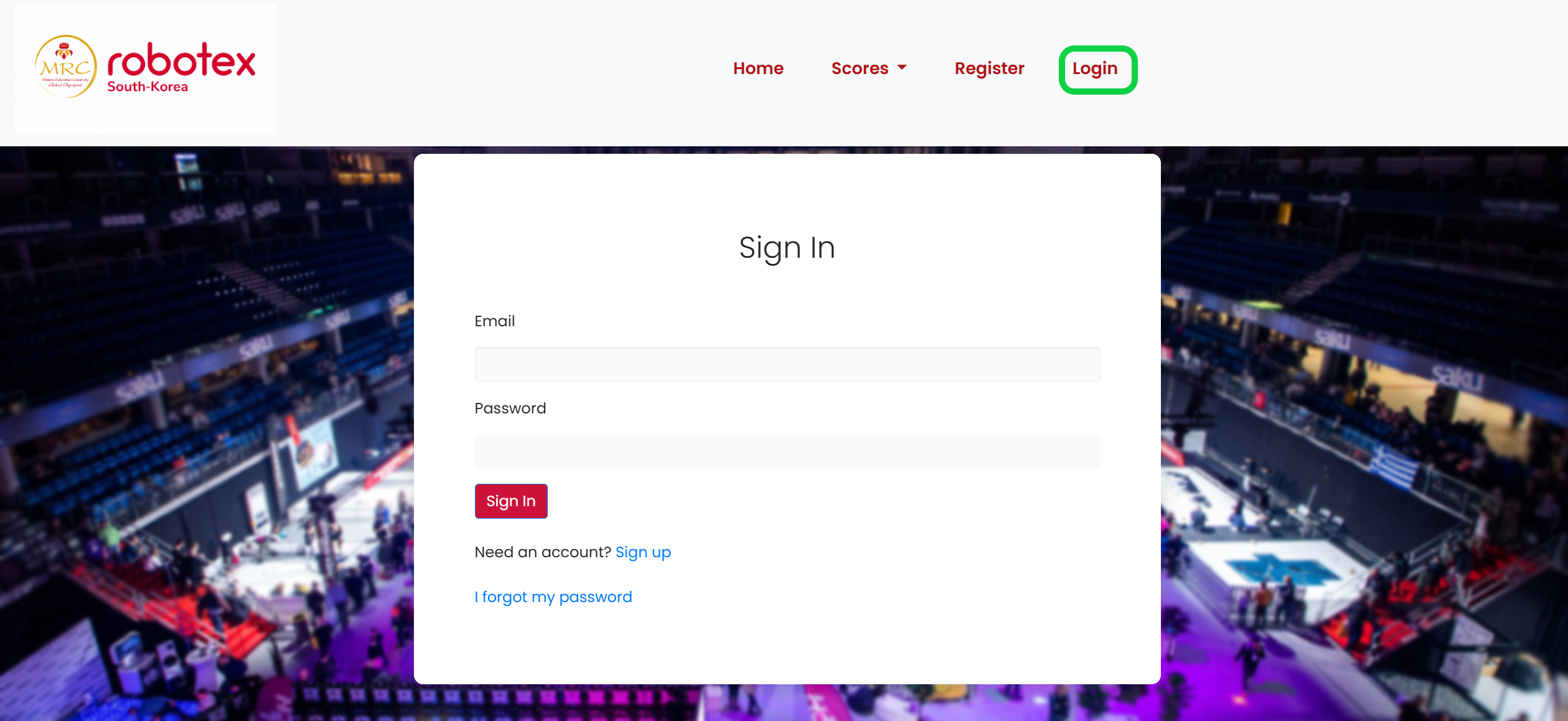
Login 로그인
➜Login in with your email and password. 이메일과 비밀번호로 로그인하세요.
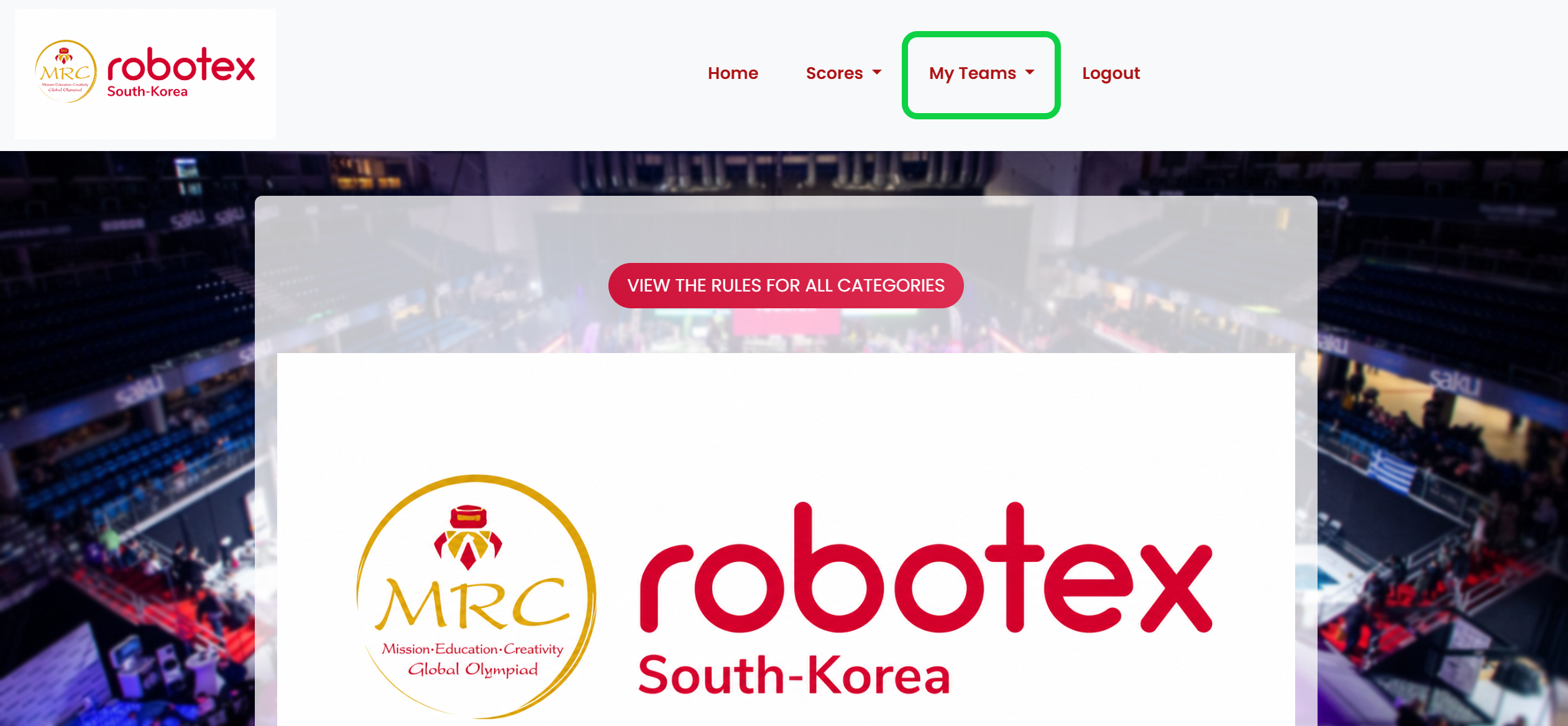
My Teams 나의 팀 정보
➜Open My Teams from the main menu. 메인 메뉴에서 My Teams를 열어주세요.
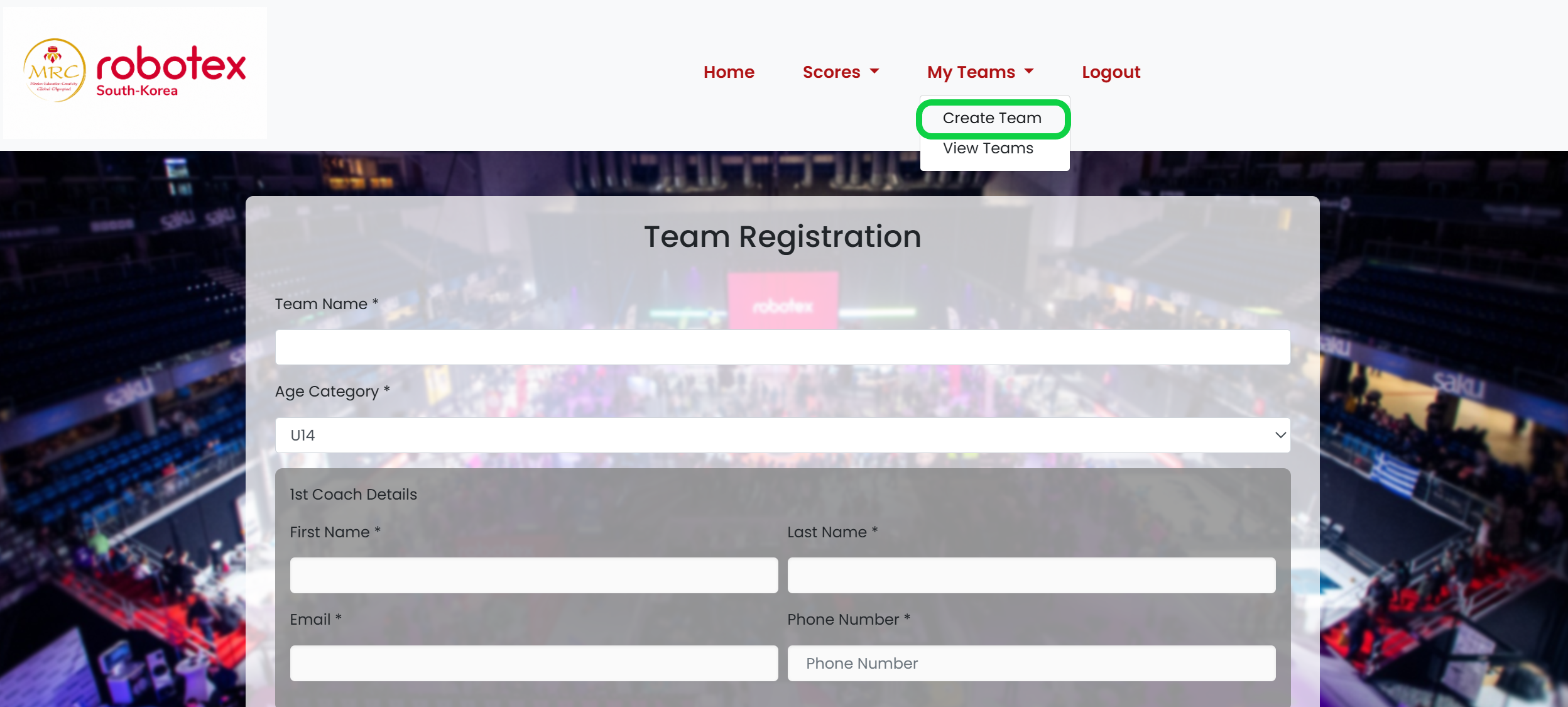
Create Team 팀 생성
➜Choose Create Team to begin team registration. 팀 등록을 시작하려면 Create Team을 선택하세요.
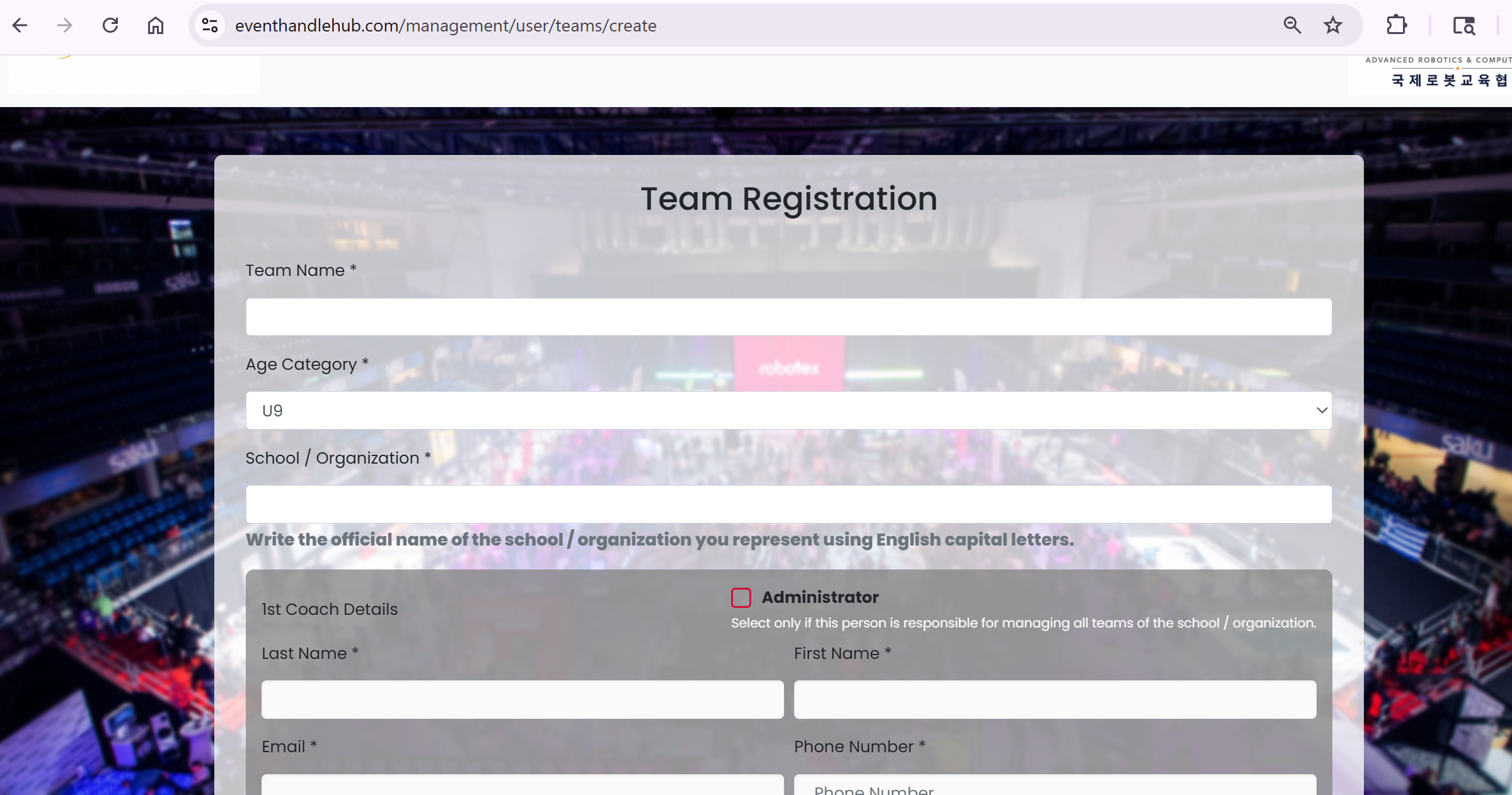
Team Details 팀 정보 상세
➜Add your team and coach information. 팀 정보와 코치 정보를 입력하세요. 기관장 대표이면 Administrator에 체크하세요. 반드시 기관장 대표가 존재하여야 합니다.
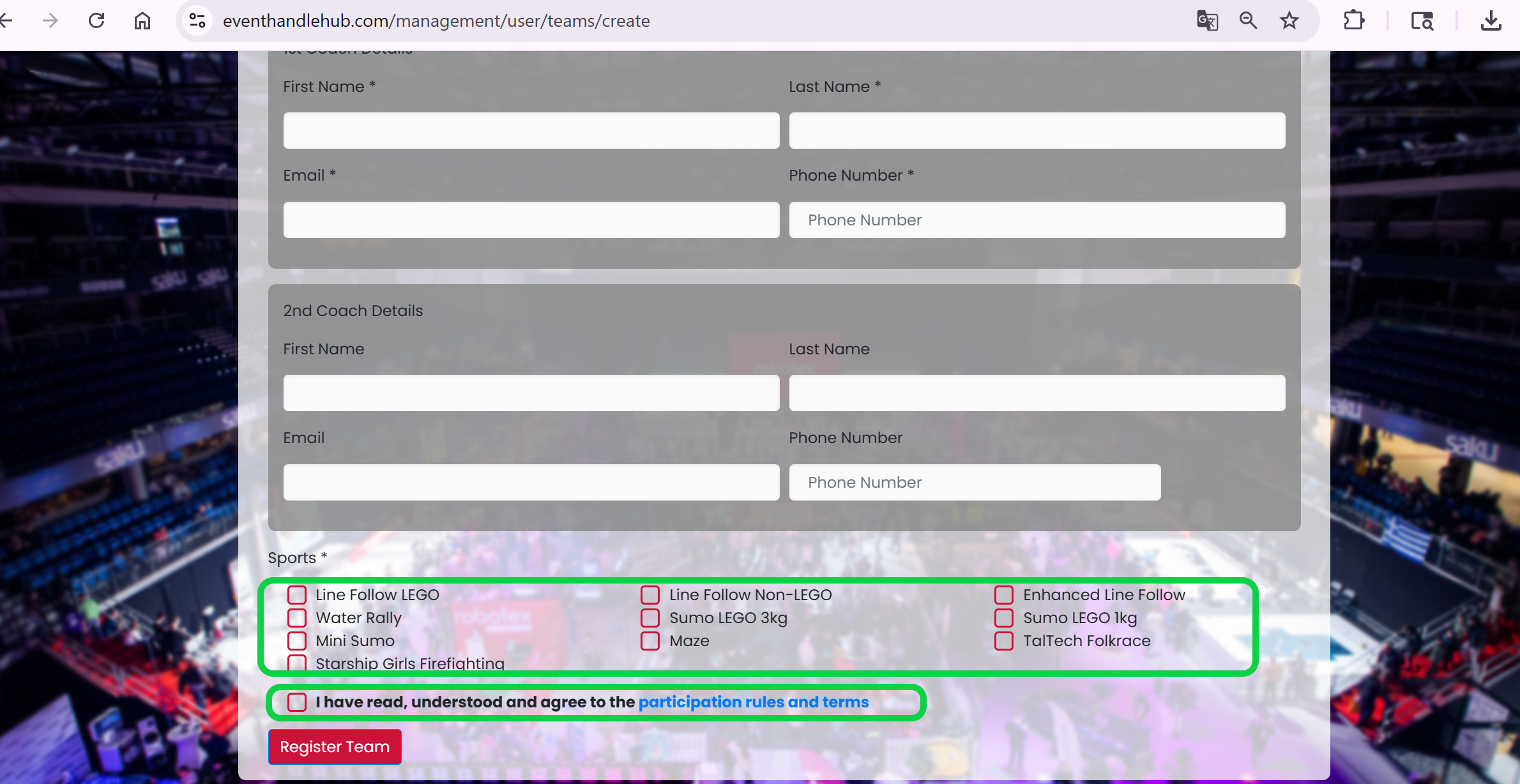
Select Sports 종목 선택
➜Select the categories you wish to compete and accept the participation rules. 참가를 원하는 종목을 선택하고 참가 규정에 동의하세요.
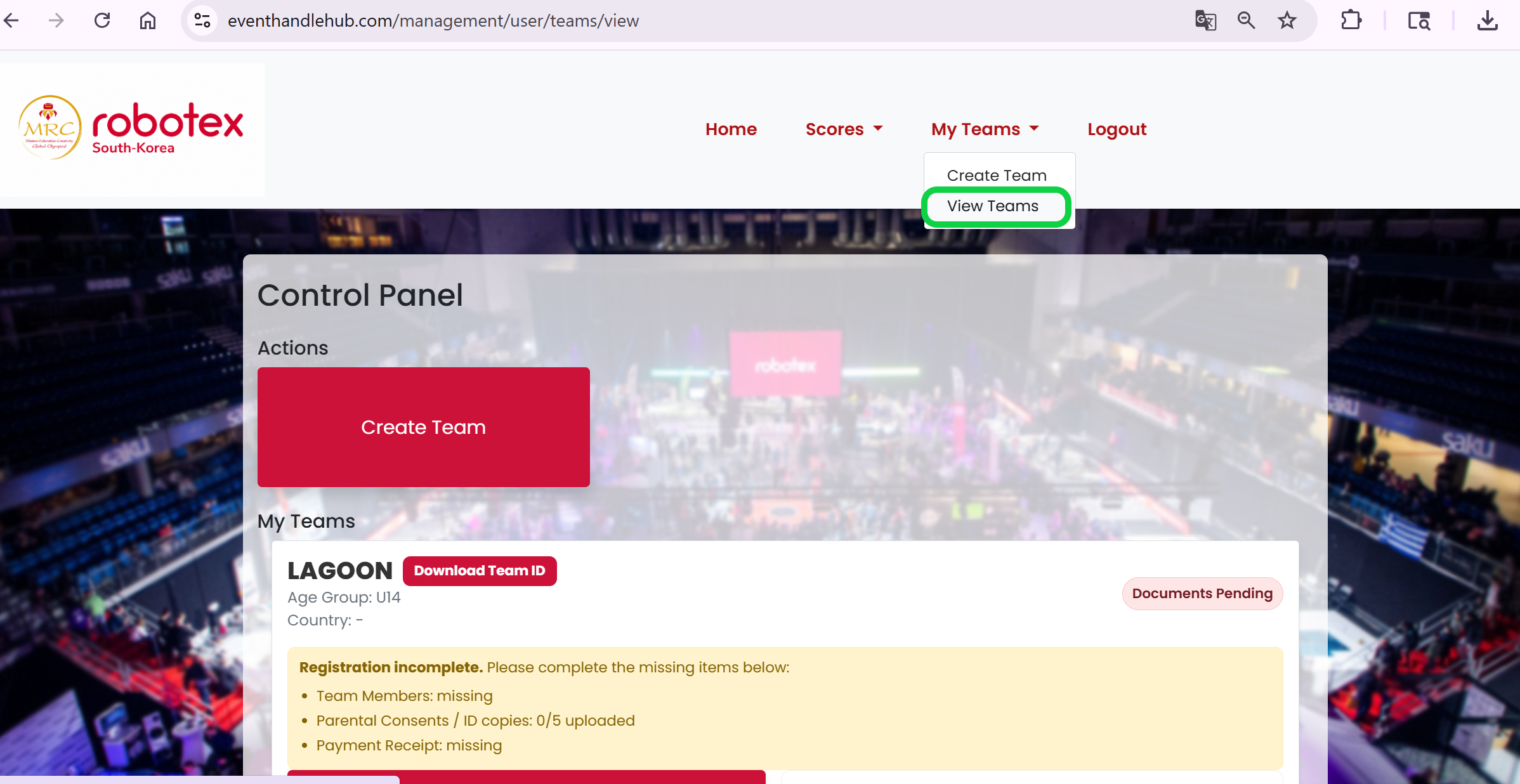
View Teams 팀 보기
➜Go to View Teams to manage your registered team. 등록된 팀을 관리하려면 View Teams로 이동하세요.
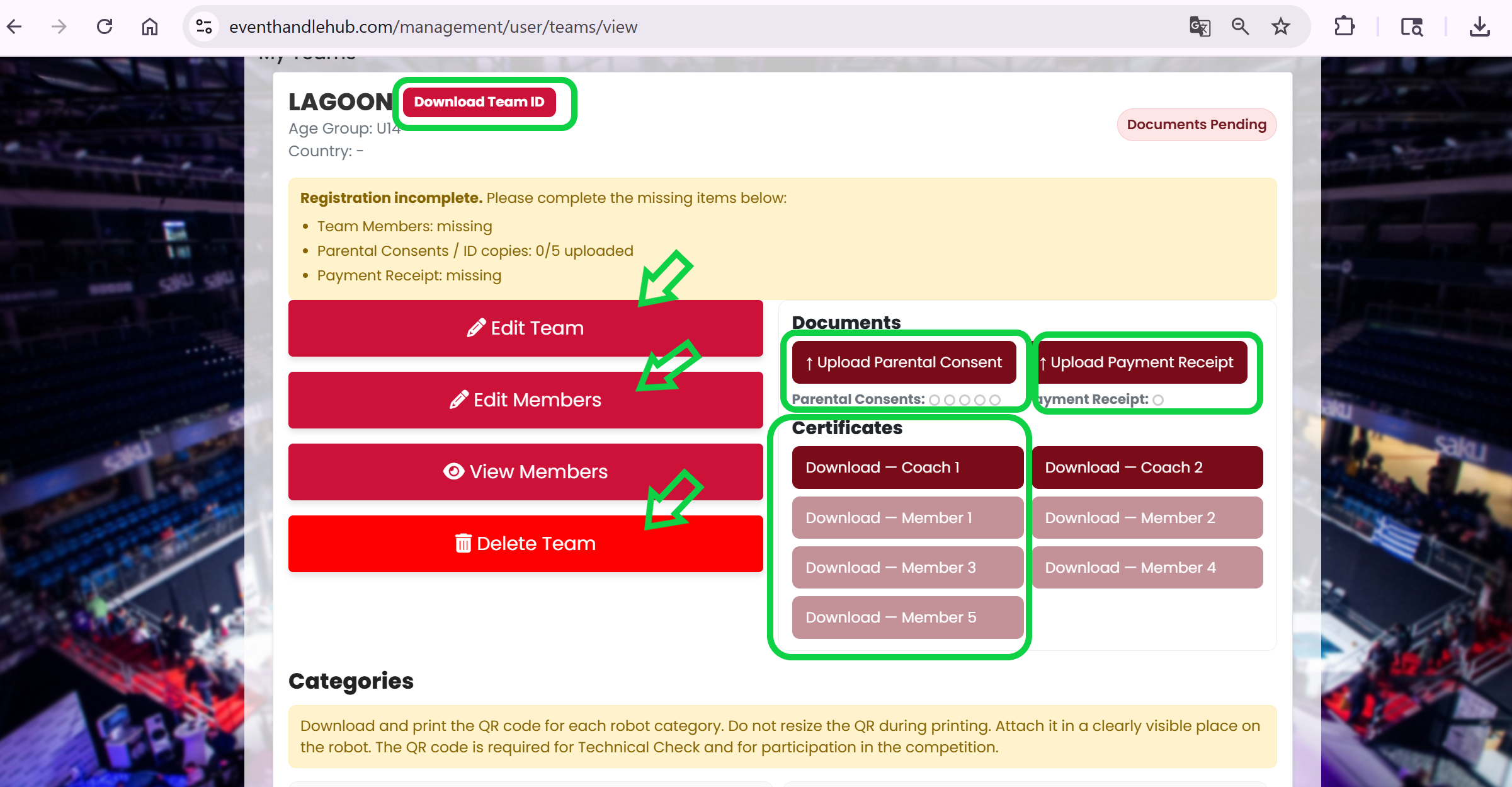
Manage Team, Documents & Certificates 팀, 서류 및 인증서 관리

Download QR Codes QR 코드 다운로드
➜Download and print the QR code for each robot category. Stick them on your robots. 각 로봇 종목의 QR 코드를 다운로드하고 출력한 뒤, 참가할 로봇에 부착하여 대회날 가져오세요.